> For the complete documentation index, see [llms.txt](https://guide.assemblredu.com/llms.txt). Markdown versions of documentation pages are available by appending `.md` to page URLs; this page is available as [Markdown](https://guide.assemblredu.com/inspiration-and-tutorials/intermediete.md).

# Menengah

Kumpulan inspirasi konten 3D/AR di bawah ini ditujukan bagi kamu yang sudah menguasai dasar pembuatan proyek AR.\
\
Gunakan inspirasi ini sebagai panduan untuk mengeksplorasi fitur yang ada pada Editor Assemblr EDU secara lebih mendalam dan menciptakan pengalaman visual yang lebih kontekstual. Beberapa opsi tutorial dibawah ini dapat membantumu mengembangkan keterampilan desain AR lebih lanjut melalui konsep yang lebih variatif, interaktif, dan menantang, baik dari segi desain maupun alur pembuatan proyek.\
\
Jika kamu masih belum memahami langkah dasar pembuatan proyek AR, kamu bisa mengakses [laman ini sebagai panduan bagi pemula](https://guide.assemblredu.com/inspiration-and-tutorials/beginner).

### Tutorial AR Tanpa Marker

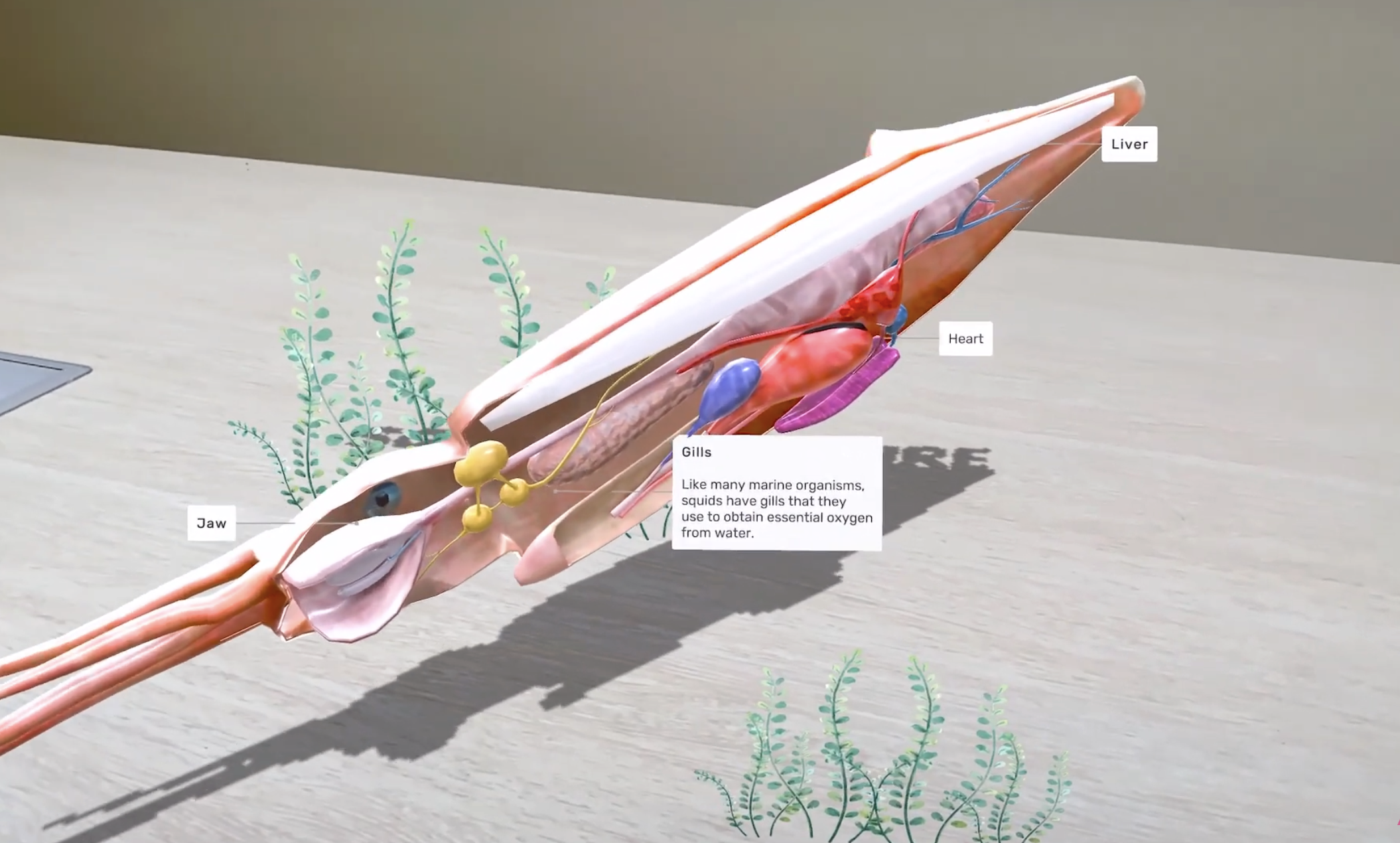
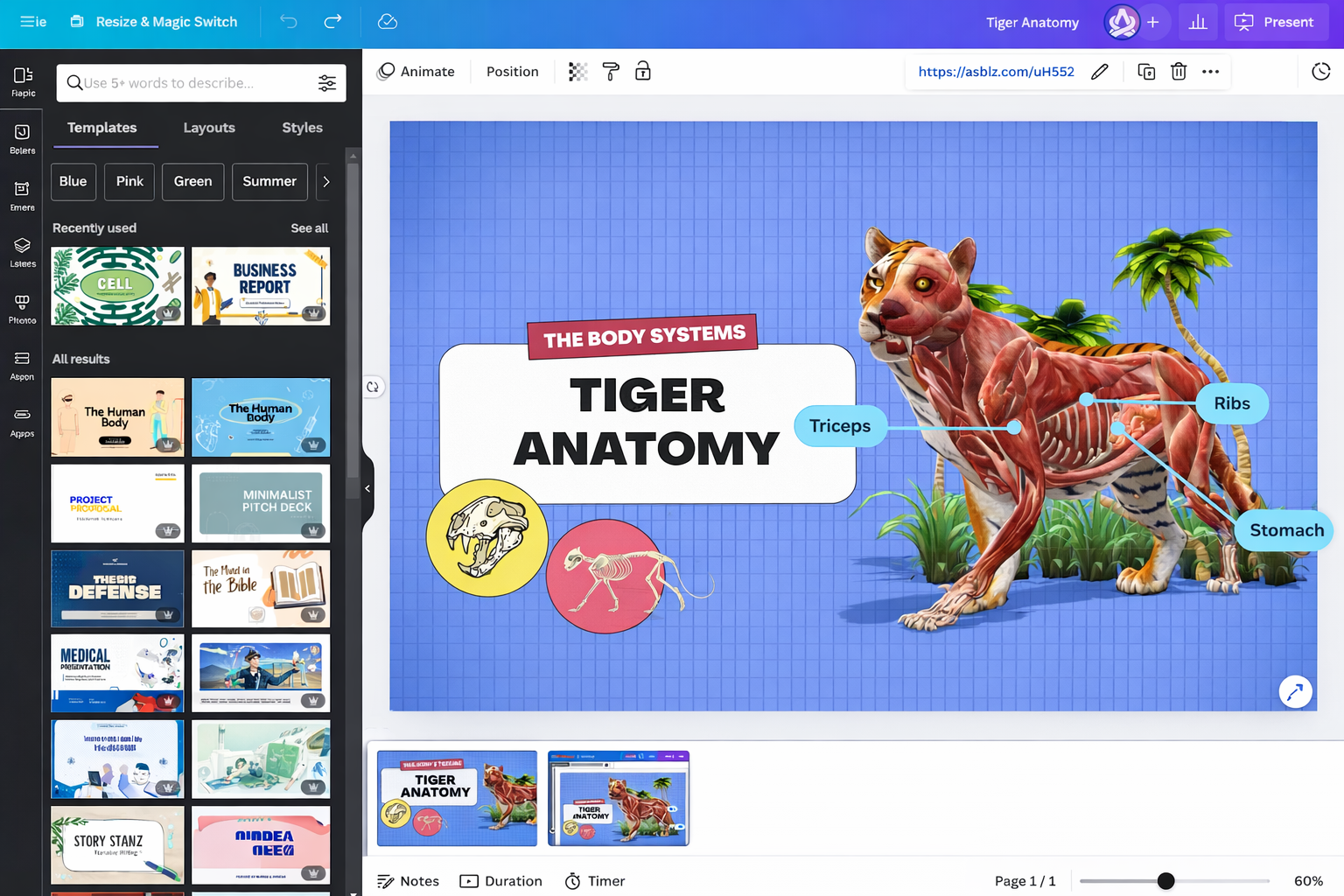
<table data-view="cards"><thead><tr><th></th><th data-hidden data-card-target data-type="content-ref"></th><th data-hidden data-card-cover data-type="image">Cover image</th></tr></thead><tbody><tr><td>3D/AR Gurita (penjelasan ber-anotasi)</td><td><a href="https://www.youtube.com/watch?v=P0NfbiXVd1M">https://www.youtube.com/watch?v=P0NfbiXVd1M</a></td><td><a href="https://1790152611-files.gitbook.io/~/files/v0/b/gitbook-x-prod.appspot.com/o/spaces%2FLf6tpzwAImu0YrBKysP8%2Fuploads%2Fgit-blob-fbbf4621737840d04d5a5659ec82a80bb2d8ac37%2FScreenshot%202026-01-14%20at%2013.32.48.png?alt=media">Screenshot 2026-01-14 at 13.32.48.png</a></td></tr><tr><td>3D/AR Tampil di CANVA</td><td><a href="https://youtu.be/TysGErOZ_cY?si=_CS4jFQmxjQ_pmIn">https://youtu.be/TysGErOZ_cY?si=_CS4jFQmxjQ_pmIn</a></td><td><a href="https://1790152611-files.gitbook.io/~/files/v0/b/gitbook-x-prod.appspot.com/o/spaces%2FLf6tpzwAImu0YrBKysP8%2Fuploads%2Fgit-blob-510901988f576dca895b54645c29938a62806629%2FChatGPT%20Image%20Jan%2021%2C%202026%2C%2010_51_13%20AM.png?alt=media">ChatGPT Image Jan 21, 2026, 10_51_13 AM.png</a></td></tr></tbody></table>

### Tutorial AR dengan Marker

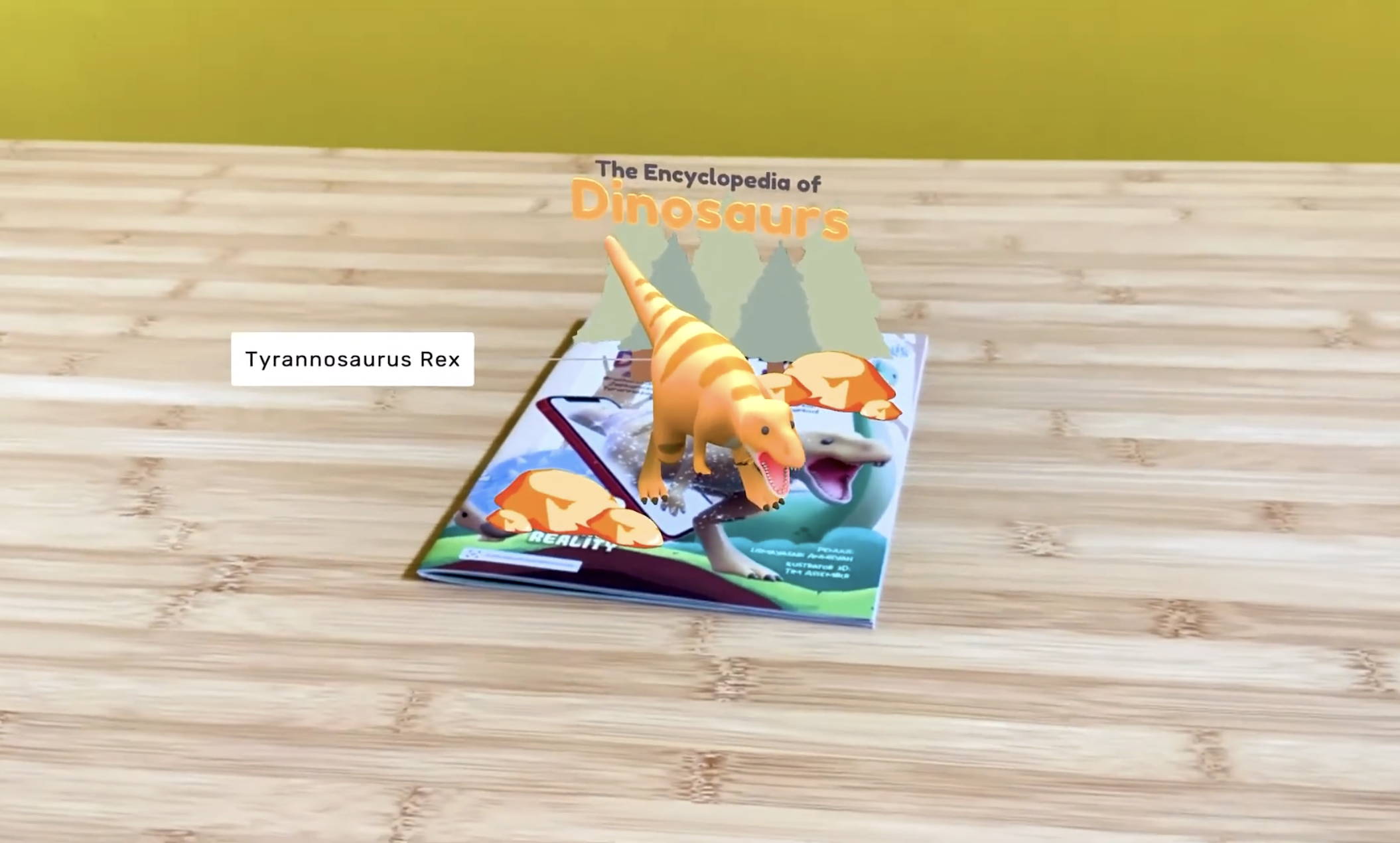
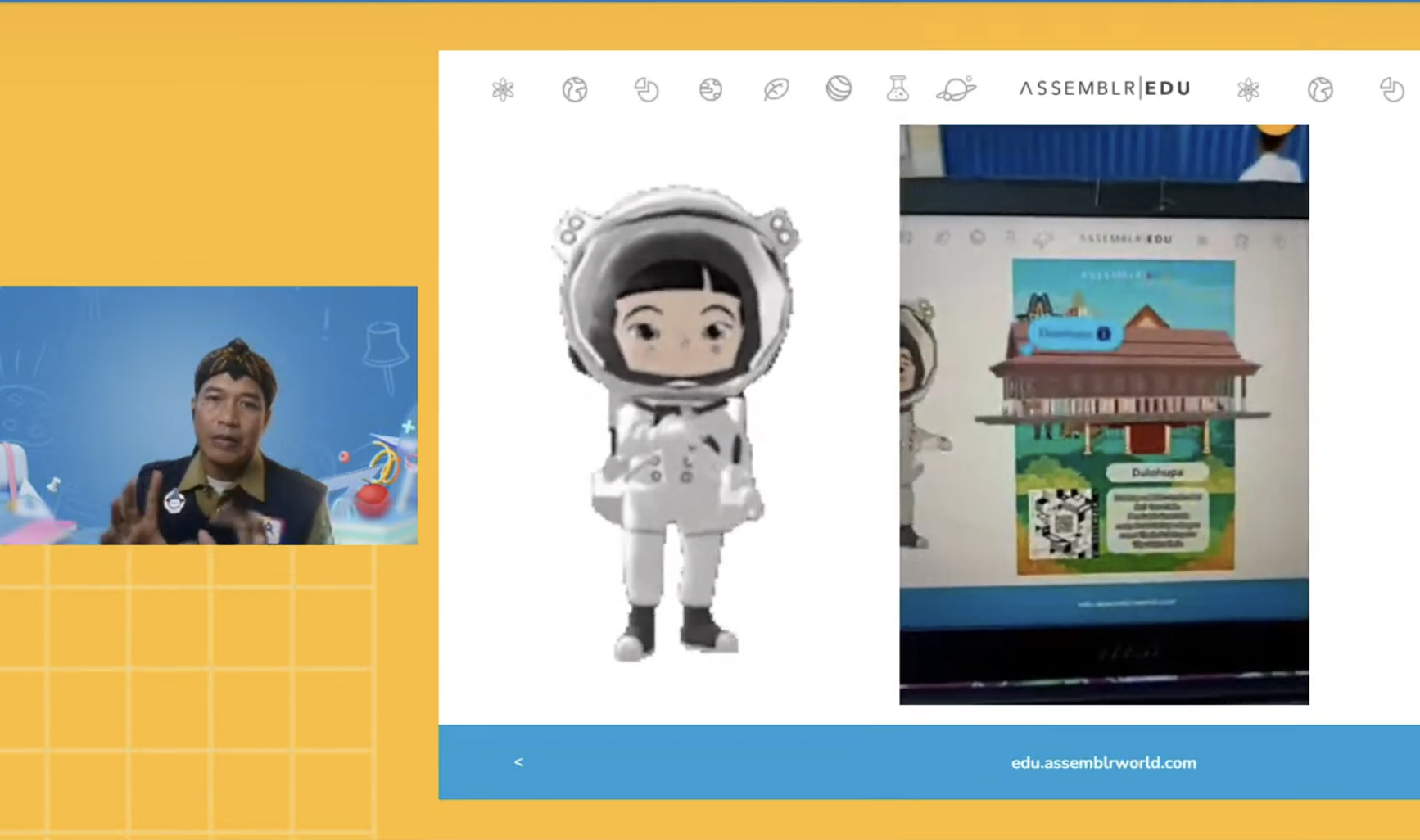
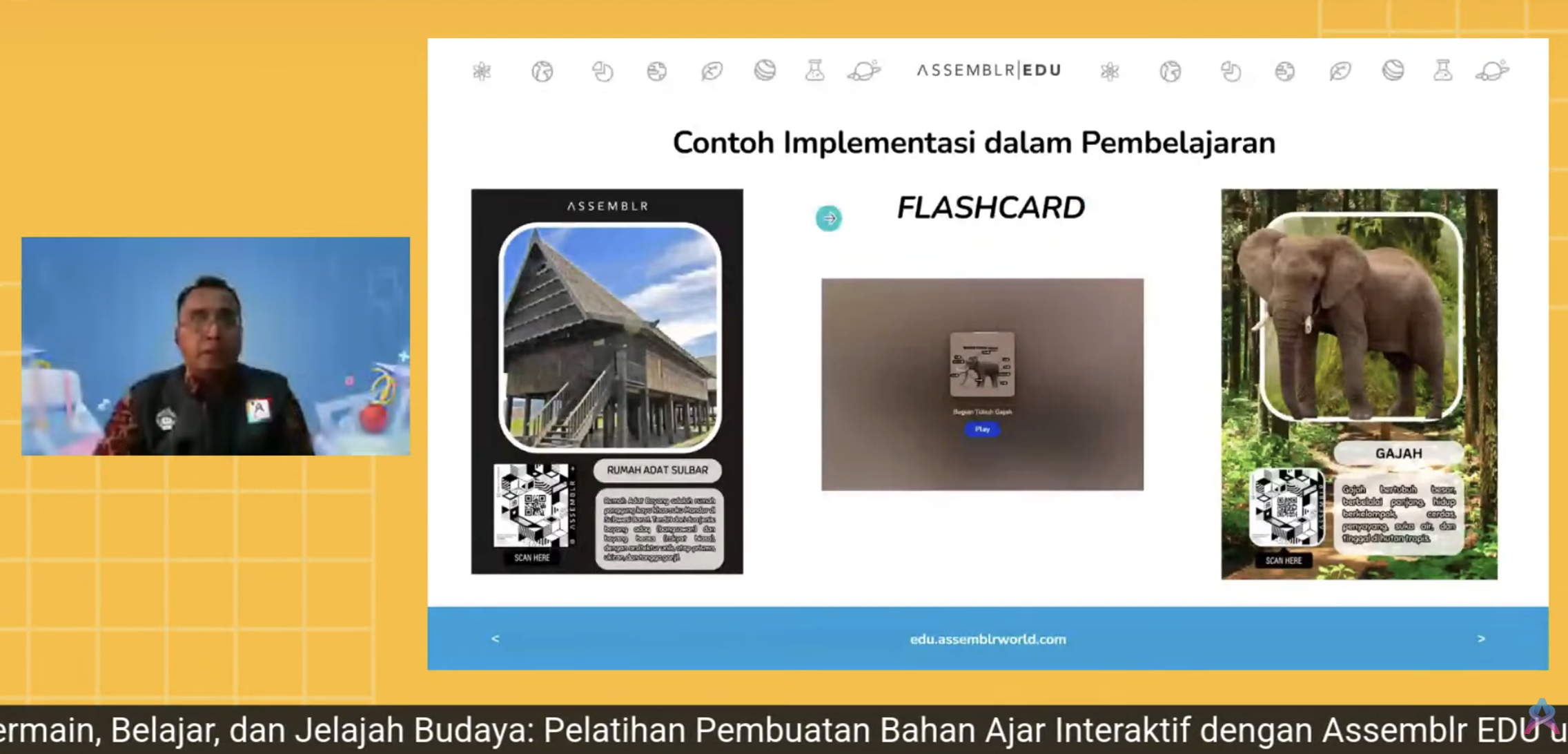
<table data-view="cards"><thead><tr><th></th><th data-hidden data-card-target data-type="content-ref"></th><th data-hidden data-card-cover data-type="image">Cover image</th></tr></thead><tbody><tr><td>AR Pop-up dari Buku</td><td><a href="https://youtu.be/vKvkc-mPXHk?si=Cm5hXfcD2rNEFsii">https://youtu.be/vKvkc-mPXHk?si=Cm5hXfcD2rNEFsii</a></td><td><a href="https://1790152611-files.gitbook.io/~/files/v0/b/gitbook-x-prod.appspot.com/o/spaces%2FLf6tpzwAImu0YrBKysP8%2Fuploads%2Fgit-blob-f73bebcd799d7fc634ba4412f15c192291484f52%2FScreenshot%202026-01-14%20at%2013.33.26.png?alt=media">Screenshot 2026-01-14 at 13.33.26.png</a></td></tr><tr><td>AR Pop-up dari Flashcard (Webinar record)</td><td><a href="https://www.youtube.com/live/2wBQOsH3QuI?si=n8uneqN4lDL3iBF-">https://www.youtube.com/live/2wBQOsH3QuI?si=n8uneqN4lDL3iBF-</a></td><td><a href="https://1790152611-files.gitbook.io/~/files/v0/b/gitbook-x-prod.appspot.com/o/spaces%2FLf6tpzwAImu0YrBKysP8%2Fuploads%2Fgit-blob-50a3f03aa92e3dad069ff0ca6afcbce1ae71d18b%2FScreenshot%202026-01-14%20at%2013.37.03.png?alt=media">Screenshot 2026-01-14 at 13.37.03.png</a></td></tr><tr><td>AR Pop-up dari Poster(Webinar record)</td><td><a href="https://www.youtube.com/live/AAx2VQjROik?si=wNWGHUUiJBE3lP3K">https://www.youtube.com/live/AAx2VQjROik?si=wNWGHUUiJBE3lP3K</a></td><td><a href="https://1790152611-files.gitbook.io/~/files/v0/b/gitbook-x-prod.appspot.com/o/spaces%2FLf6tpzwAImu0YrBKysP8%2Fuploads%2Fgit-blob-a17ded9449d0749299348211e14113b147d9cdfe%2FScreenshot%202026-01-21%20at%2010.22.06.png?alt=media">Screenshot 2026-01-21 at 10.22.06.png</a></td></tr></tbody></table>

{% hint style="info" %}
**AR dengan Marker**\
\
Selain contoh hasil produk diatas, kamu juga bisa melakukan eksplorasi **'AR dengan Marker'** untuk membuat produk berikut:\
1\. Printable(produk cetak) ukuran kecil: Buku, poster, kartu, diorama, bahkan baju\
2\. Printable(produk cetak) ukuran besar : Banner, spanduk, bahkan backdrop\
\
Berkaitan dengan marker, ada 2 tipe marker yang bisa kamu pilih. Pelajari selebihnya disini ya
{% endhint %}