> For the complete documentation index, see [llms.txt](https://guide.assemblredu.com/llms.txt). Markdown versions of documentation pages are available by appending `.md` to page URLs; this page is available as [Markdown](https://guide.assemblredu.com/en/create-ar-3d-content/editor/2.-create-project/main-editor/multi-select-objects.md).
# Multi-Select Objects
## How to Select Multiple Objects
If you want to apply the same action on several or all objects in your project, you don't have to select it one by one. Simply click on the **Multi-Select** toggle, and you can drag over the objects that you want.
{% embed url="" %}
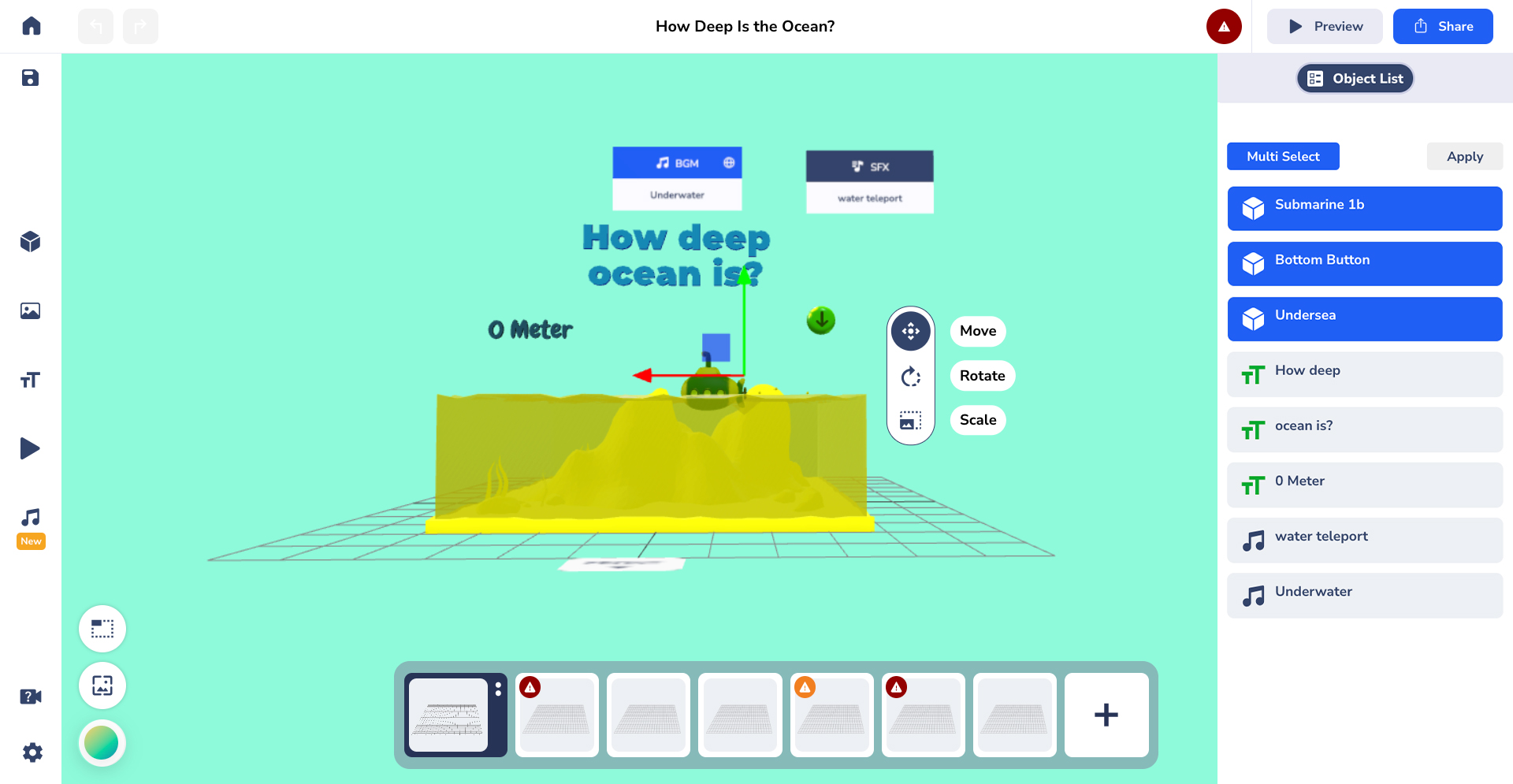
Another way to select multiple objects is from the **Object List**. Once you click on it, choose **Multi Select** on the top left of the panel, and you can simply click on the objects that you want to select.
{% embed url="" %}
Once your objects are selected, you can do the same action on them however you'd like!
### Killer Shortcut!
You can **press 'M'** on your keyboard to pop up the Multi-Select toggle!